 +1 302 486 0000
  +61 2 5129 0955
  +44 7828 573520
  +44 7828 573520
To start sending and receiving SMS messages via API, you need to first setup your account by following these steps.
- Sign up on CRM Messaging
- Connect your SMS Phone Number by these steps
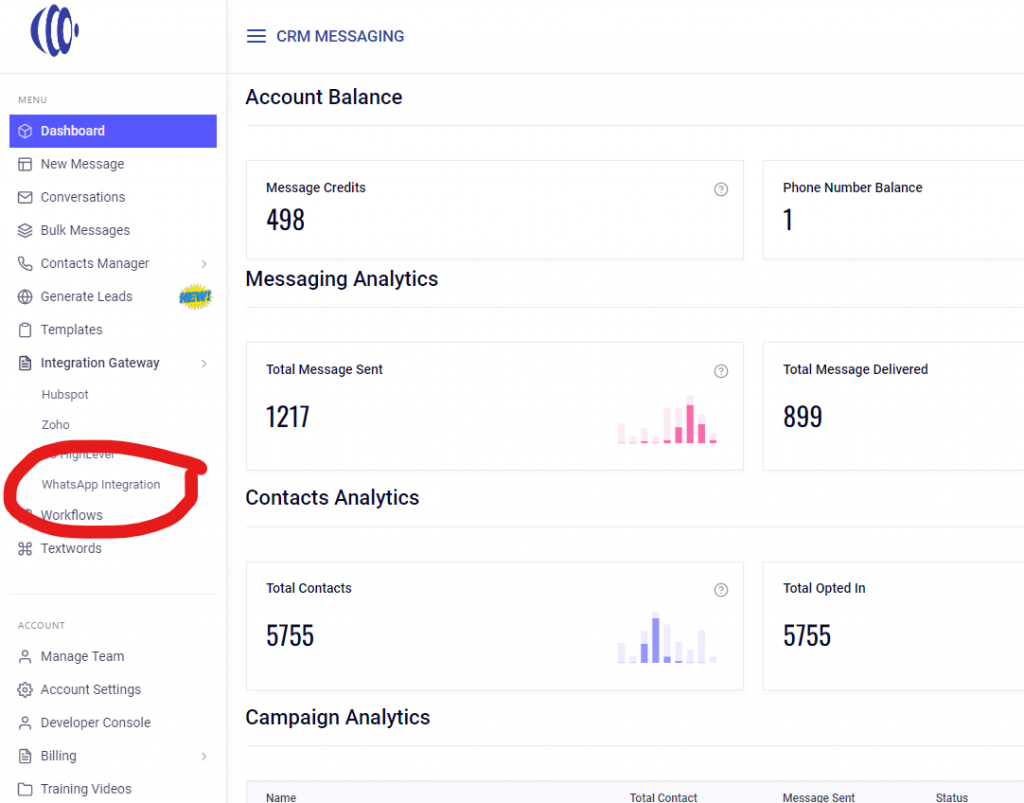
- Go to Account Settings
- Setup your phone number in API Configuration through Twilio, Vonage, MessageMedia, SMS-IT or buy a phone number from us /pricing
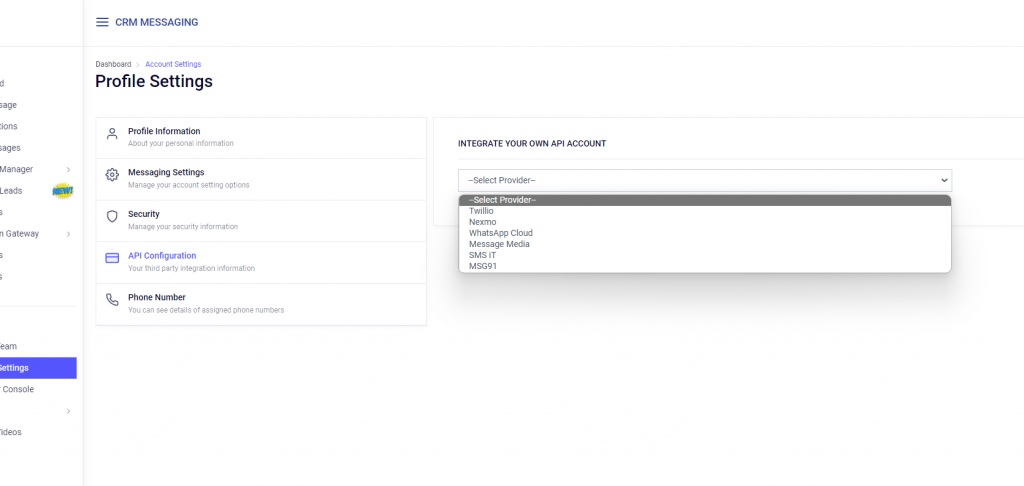
- After connecting the SMS number, go to the Developer console on the left side and copy the token to use in API calls.
- Update Delivery status update webhook and Incoming handling webhook endpoints to receive incoming and delivery status updates
- Get your plan updated to paid PRO PLAN for unlimited SMS conversations at pricing page